Turn seminar Social Security questions into booked appointments.
96% of Americans claim Social Security at the wrong time — the average household leaves about $111,000 on the table (United Income, 2019). Every one of those questions at your event is a client conversation waiting to happen. MySSAgent hands you the analysis that starts it.
No SSN ever enters the platform • Built on the full SSA claiming rulebook • Client-band licenses from $1,990/yr
Where does this make you money?
11,400 Americans turn 65 every day. Each one makes an irreversible Social Security decision — and almost none of them have anyone to ask. The professional who answers that question earns the relationship.
Retention and cross-sell — not enrollment volume
Enrollment commissions are capped and commoditized. The loop that compounds is the one you already run: seminar → Social Security analysis → one-on-one follow-up → a client who stays with you and buys the next product from you.
The wedge: Social Security is the question your attendees actually ask — answering it with a personalized analysis is what separates your seminar from every other one on their calendar.
The survivor line is your income conversation
When the first spouse passes, the household keeps only the larger check — Social Security income drops by a third, often close to half. Every married-couple analysis puts that gap in dollars, on a page your client can read.
The wedge: the income conversation stops being your pitch and becomes the client's question.
MySSAgent quantifies the income gap. Product selection stays with you — the licensed professional.
How does it work with a client?
Two ways in — pick per client. Either way, the recommended strategy lands co-branded with your firm's name on it.
Path A — Send the link
client self-serve
Invite the client by email from your dashboard. They get a co-branded email from your firm, sign up with any email address, and pull in their own earnings record. You're notified when they register and again when their analysis is ready.
Path B — Run it in the meeting
highest-conversion for seminar follow-ups
The client brings (or you help them download) their SSA earnings file; you run "New Client Analysis" yourself and walk them through the results on the spot — recommended strategy, spousal coordination, and the survivor line, live.
How do clients get their earnings record?
Getting the earnings record is the only skill that matters — so we made it one click.
One click — the browser extension
The client installs the MySSAgent extension, signs in to ssa.gov, and clicks one button — the record lands in MySSAgent. No downloads, no file handling, no Social Security number. It's not even in the file.
Add to Chrome — it's live on the Web StoreManual — always works
A screenshot-by-screenshot walkthrough of the download from ssa.gov, plus a printable one-pager in your Advisor Tools. Less tech-savvy clients do it with you in person — five minutes with the guide.
See the step-by-step guideThe objection killer: MySSAgent reads the statement your client downloads from their own Social Security account. No Social Security number is ever entered anywhere in the platform.
See it before you run it
What do partners receive?
A launch kit, not a login. You're running live client analyses in week one — with us on standby the whole way.
Your Advisor Dashboard
Client list, New Client Analysis, invite flow, and PDF/Excel exports — co-branded to your firm from day one.
1:1 onboarding + dry run
A 60-minute training on real households — you run a single and a married-couple analysis live, with Patrice on standby. Recording included.
Seminar talk track
The scripted pivot that turns an audience Social Security question into analysis requests — mapped to each event type's rules.
Client-facing materials
The printable SSA-statement one-pager, the step-by-step download guide, and a one-page troubleshooting card for your team.
Pilot partners get a direct line to Patrice — same-day during your seminar weeks — and a feedback call after every event.
Which events can carry this?
Three event types, three different rulebooks. Your training covers exactly what's permitted at each — so the motion is compliance-clean from the first event.
Educational events
Answer Social Security questions and hand out your card. Follow-up is attendee-initiated — the talk track has a version built for exactly that.
Marketing & sales events
Contact capture and appointment scheduling are permitted — the full capture script works here.
Dedicated SS workshops
Your own non-Medicare-branded Social Security event — full capture, full scheduling, and a genuinely educational session your attendees can trust.
Priced by the clients you take through it.
Your license is a yearly bank of client analyses — a couple counts once, and re-runs for a household are free. Size it to the slice of your book making the claiming decision now, and move up a band when you grow through it.
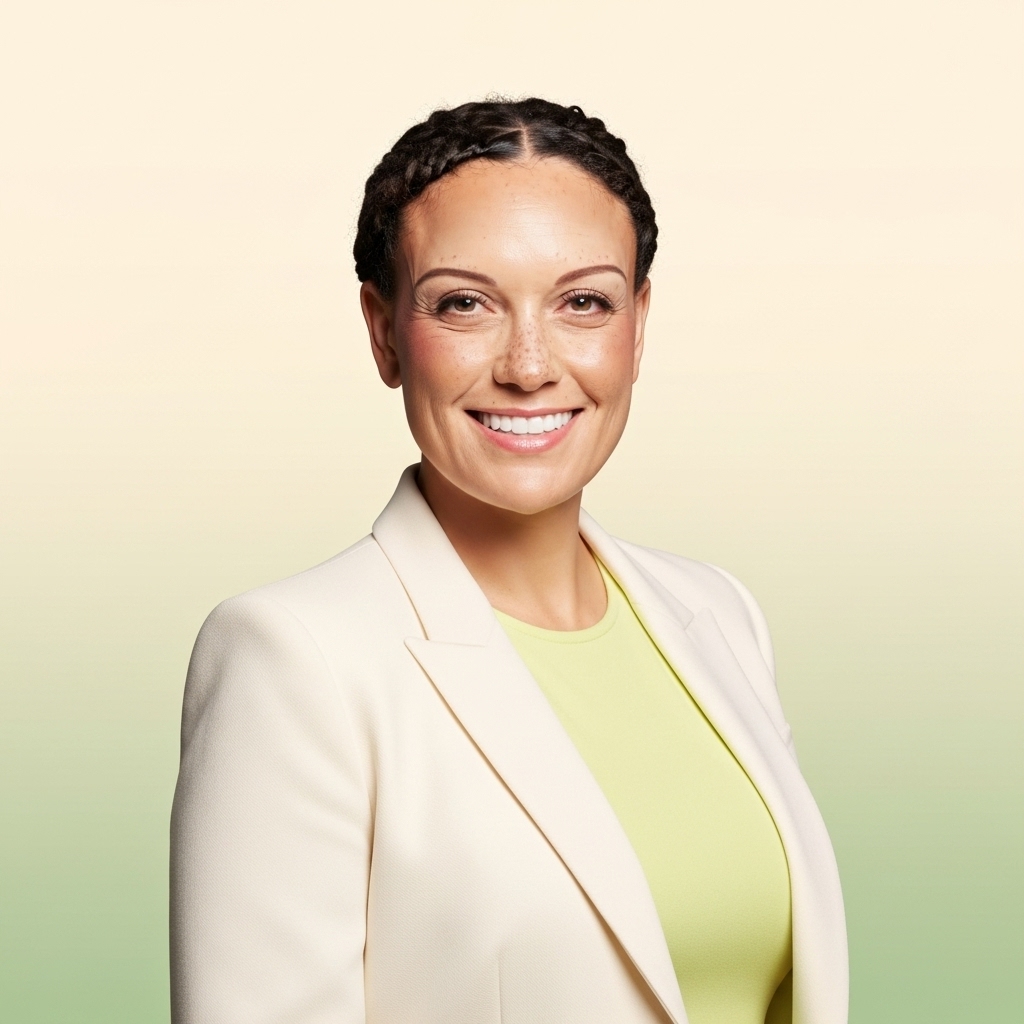
Patrice Ayling
Founder, MySSAgent
I run the partner lane and I onboard every partner personally. Book 30 minutes — if it's not a fit for your book, I'll tell you.
Book with MeSee the live demo — no account, no password
One form, and you're inside the real advisor dashboard on sample households — married couple, survivor case, divorced client, high earner.
Partner questions, answered
Is MySSAgent connected to the government? Is it safe for my clients?
MySSAgent reads the statement your client downloads from their own Social Security account at ssa.gov. No Social Security number is ever entered — it's not even in the file. Nothing connects to a government system on the client's behalf.
What does the analysis cost my client?
Nothing. You license the platform for your practice — your license includes a yearly bank of client analyses (a couple counts once, and re-runs for a household are free). The analysis becomes part of how you take care of your clients.
Do my clients need to be tech-savvy?
No. The browser extension pulls the earnings record in one click after the client signs in to ssa.gov. Clients who prefer paper get the printable step-by-step guide, and the manual download takes about five minutes when you do it together in a meeting.
Can I use this at my Medicare events?
Yes — with the right event type. Contact capture and appointment scheduling are permitted at marketing/sales events and at your own dedicated Social Security workshops; educational events allow attendee-initiated follow-up only. Your 1:1 training walks through the rules for each event type.
Your next seminar can run on this.
See the demo now, or book 30 minutes and we'll walk your event calendar together.
Questions first? Email us at support@myssagent.com