How Do I Send My Social Security Statement to MySSAgent in One Click?
Install the free MySSAgent helper for Google Chrome, sign in to your accounts, and click one button on your statement page at ssa.gov — your earnings history arrives in your MySSAgent account with no file to download and nothing to upload.
Watch it once — about a minute
What does the Chrome helper do?
It removes the most tedious step of your analysis: downloading your Social Security statement and re-uploading it. When you're viewing your statement on the Social Security Administration's website, the helper adds a single "Send to MySSAgent" button that delivers your earnings data straight to your account — ready for your personalized claiming analysis.
How do I set it up?
Open Google Chrome on a computer
The helper runs in the Chrome browser on a Windows or Mac computer. If you don't have Chrome yet, download it free with the link below and install it like any other program. On an iPad, iPhone, or in Safari? Use the download-and-upload guide instead — it works everywhere.
Install the MySSAgent helper from the Chrome Web Store
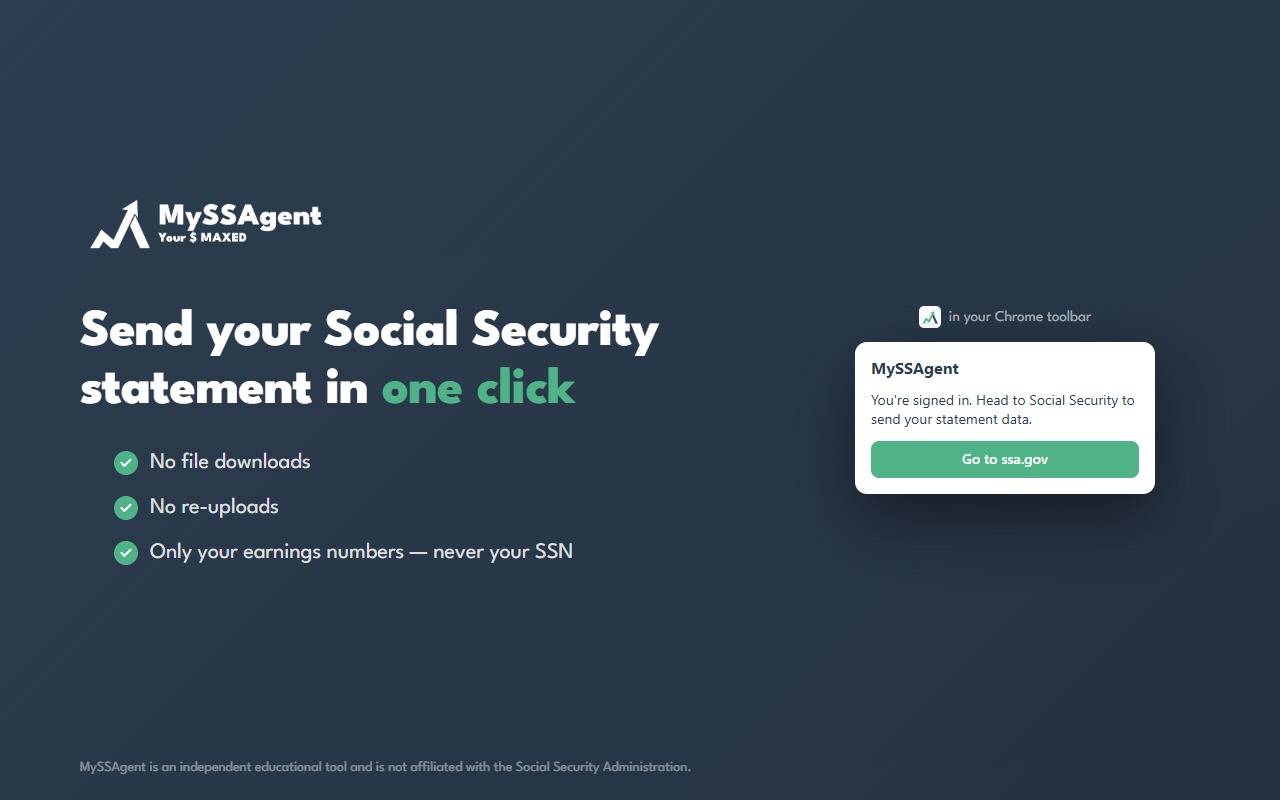
Click the install button below, then choose Add to Chrome on the store page. Installation takes a few seconds and the helper stays out of your way until you're on your statement page at ssa.gov.
Sign in to your MySSAgent account
Visit myssagent.com and sign in (or create your free account). This links the helper to your account so your statement lands in the right place.
Sign in at ssa.gov and open your Statement
Go to your my Social Security account and open your Statement page. You sign in with the Social Security Administration directly — MySSAgent never sees your ssa.gov password.
Click "Send to MySSAgent" — done
The helper adds a single button to your statement page. One click sends your earnings history to your account. Return to your analysis and continue — no file to find, nothing to upload.
Is it safe? What exactly gets sent?
Your statement is read in your browser, and only four things are sent to MySSAgent: your earnings by year, Social Security's own benefit estimates, your date of birth, and your Full Retirement Age. Nothing else is sent. Your statement shows your name, and the helper never reads it. Your Social Security number, address, and employer information aren't in the statement at all. The statement file is never saved to your computer, and it's never uploaded as a file. The full details are in the helper's privacy policy.
What if I'm on a phone, tablet, or a different browser?
Use the manual path — it works on every device. Our 12-step visual guide walks you through downloading your statement from ssa.gov and uploading it to MySSAgent. Same analysis, same result, a couple of extra minutes.
Ready to find your optimal claiming strategy?
Your statement powers a personalized analysis of your claiming options in minutes.
Get Started